Getting Started
Dive Exporter lets you download dive data from your BLE-compatible dive computer and export it in UDDF format for use with other dive logging software.
Requirements
- An iPhone or iPad running iOS/iPadOS 17 or later
- A Bluetooth Low Energy (BLE) compatible dive computer
First Launch
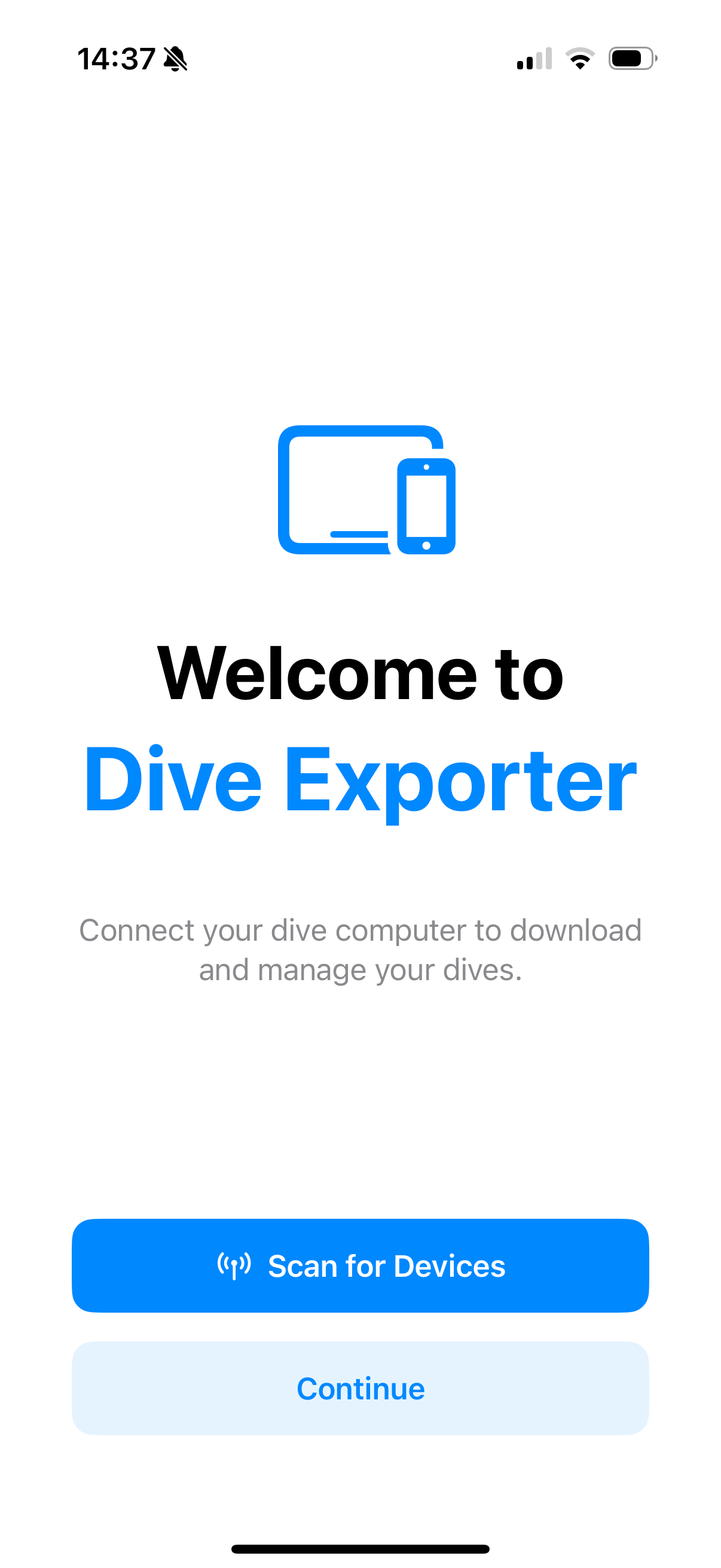
When you open Dive Exporter for the first time, you’ll see a welcome screen with the option to scan for devices right away or continue to the app.
To get started:
- Make sure your dive computer is powered on and Bluetooth is enabled
- Tap the + button in the top-right corner to scan for nearby devices
- Select your dive computer from the list of discovered devices
- Once added, tap your device and then Download All Dives to perform your first sync
After the initial download, Dive Exporter will remember your device and only download new dives on future syncs. See Smart Download for details.
App Tabs
Dive Exporter is organized into three tabs:
- Dives — Browse, view, and export your downloaded dives
- Devices — Manage your dive computers and start downloads
- Settings — Choose your appearance and units, and manage your data
Units
Dive Exporter automatically detects your preferred units based on your device’s region settings. You can also override individual units in Settings:
- Depth — meters or feet
- Temperature — Celsius or Fahrenheit
- Pressure — bar or PSI
- Volume — liters or cubic feet