Sharing Dives
After exporting a dive (or multiple dives), the iOS share sheet appears with several options to send or save your UDDF file.
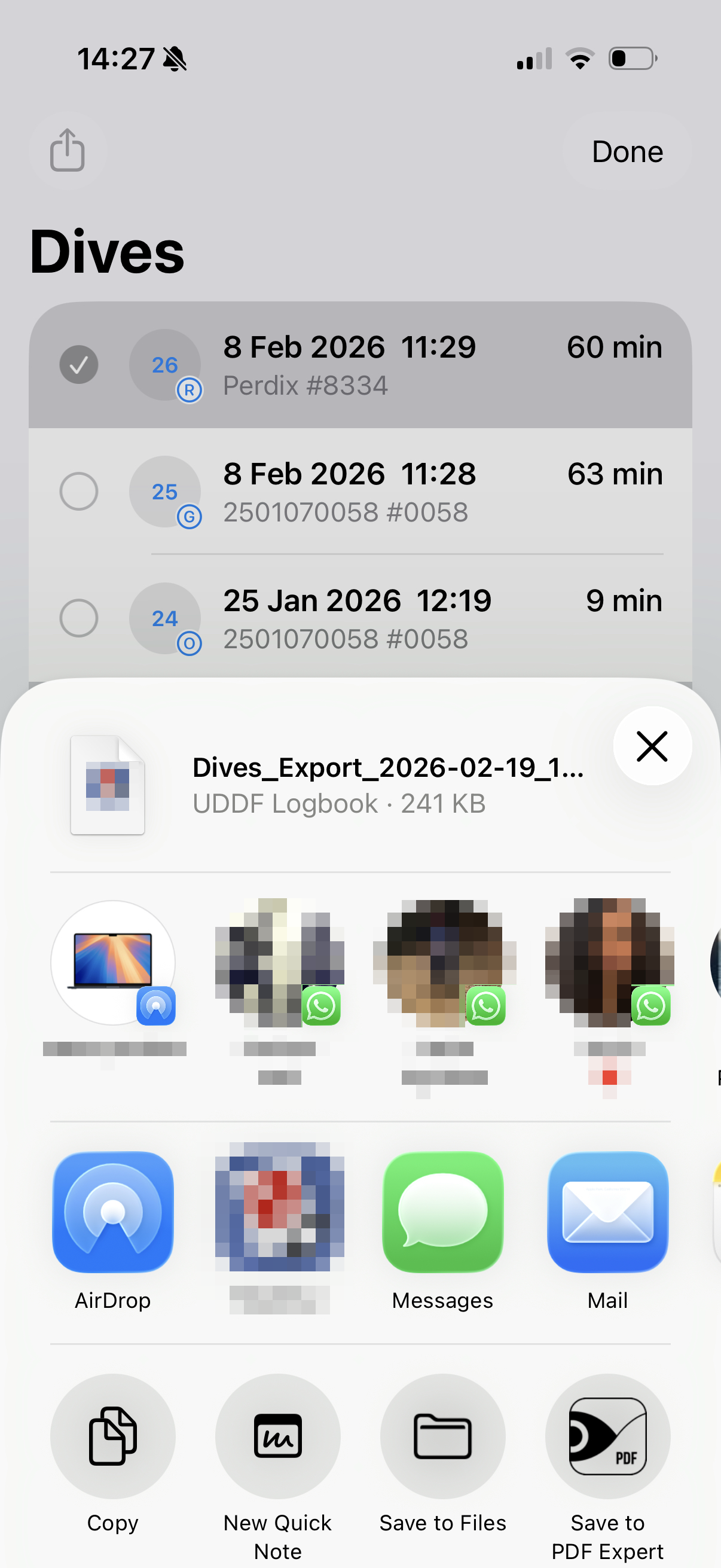
Share Options
The share sheet gives you access to all standard iOS sharing methods:
- AirDrop — Send the file directly to a nearby Apple device
- Mail — Attach the file to an email
- Messages — Send via iMessage or SMS
- Save to Files — Store the file in the Files app (iCloud Drive, On My iPhone, or a third-party provider)
- Third-party apps — Any app installed on your device that supports file import
Importing into Other Software
The UDDF format is widely supported by dive logging software. After sharing or saving the file, you can open it in:
- Subsurface — Open-source dive log manager
Simply transfer the .uddf file to your computer and import it from within the application.
You can also view your exported UDDF files online at Dive Viewer — no software to install.